
Tutorial
Get started with KinetiRx
From a fresh install to a closed day at the counter. Each step links to the full documentation.
Install KinetiRx
Run the one-command installer on Ubuntu or Debian, or start the Docker Compose stack on any system. PostgreSQL, the Go backend and the web app start together.
Set your secrets and sign in
Set a Postgres password, a JWT signing secret and the first admin password in the environment file, then sign in as the admin. A Gemini key is optional and only needed for AI invoice OCR.
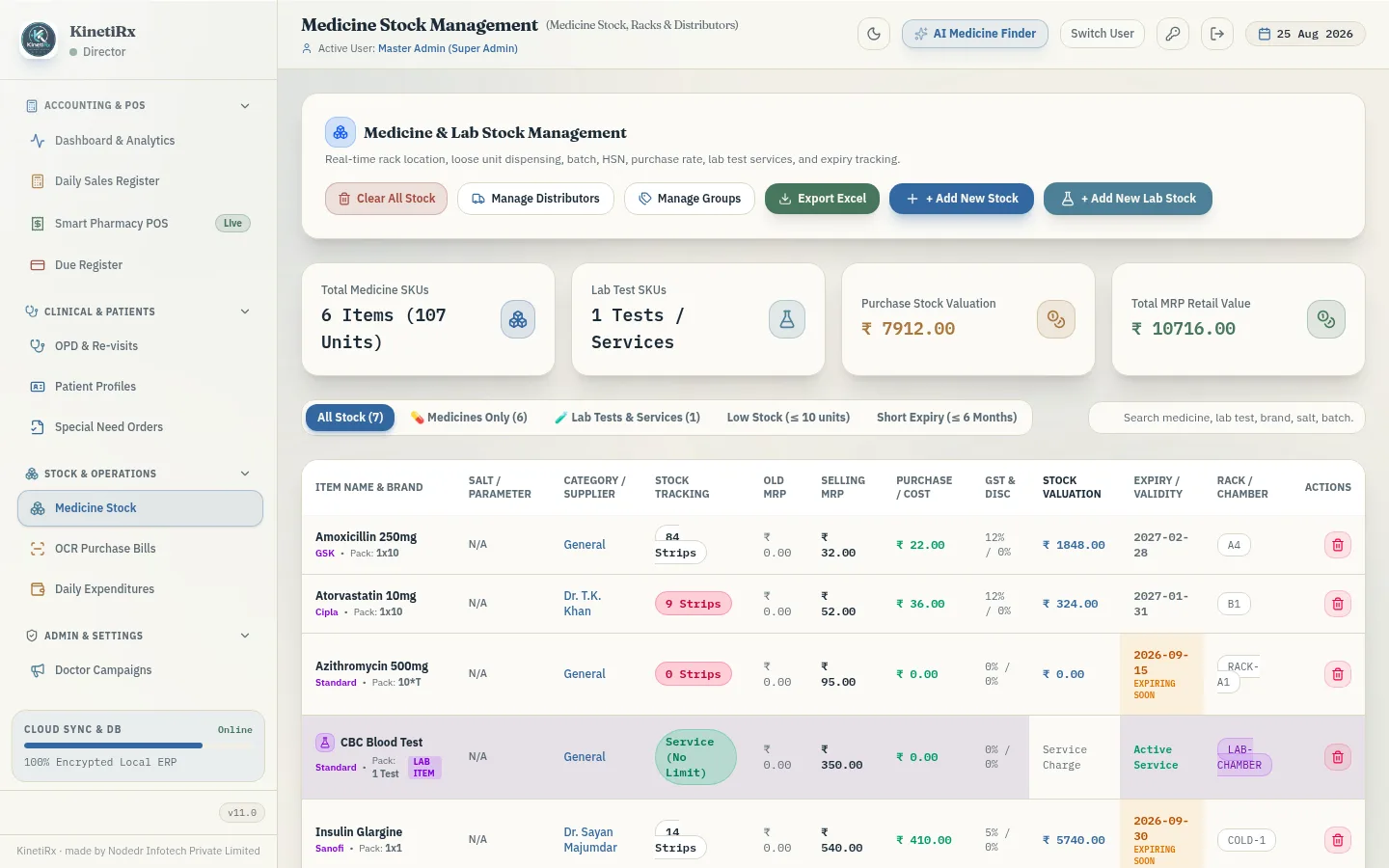
Receive stock
Add a distributor purchase bill manually, or upload it to Inward OCR. Review the extracted medicine, batch, expiry, quantity and rate before it changes stock.
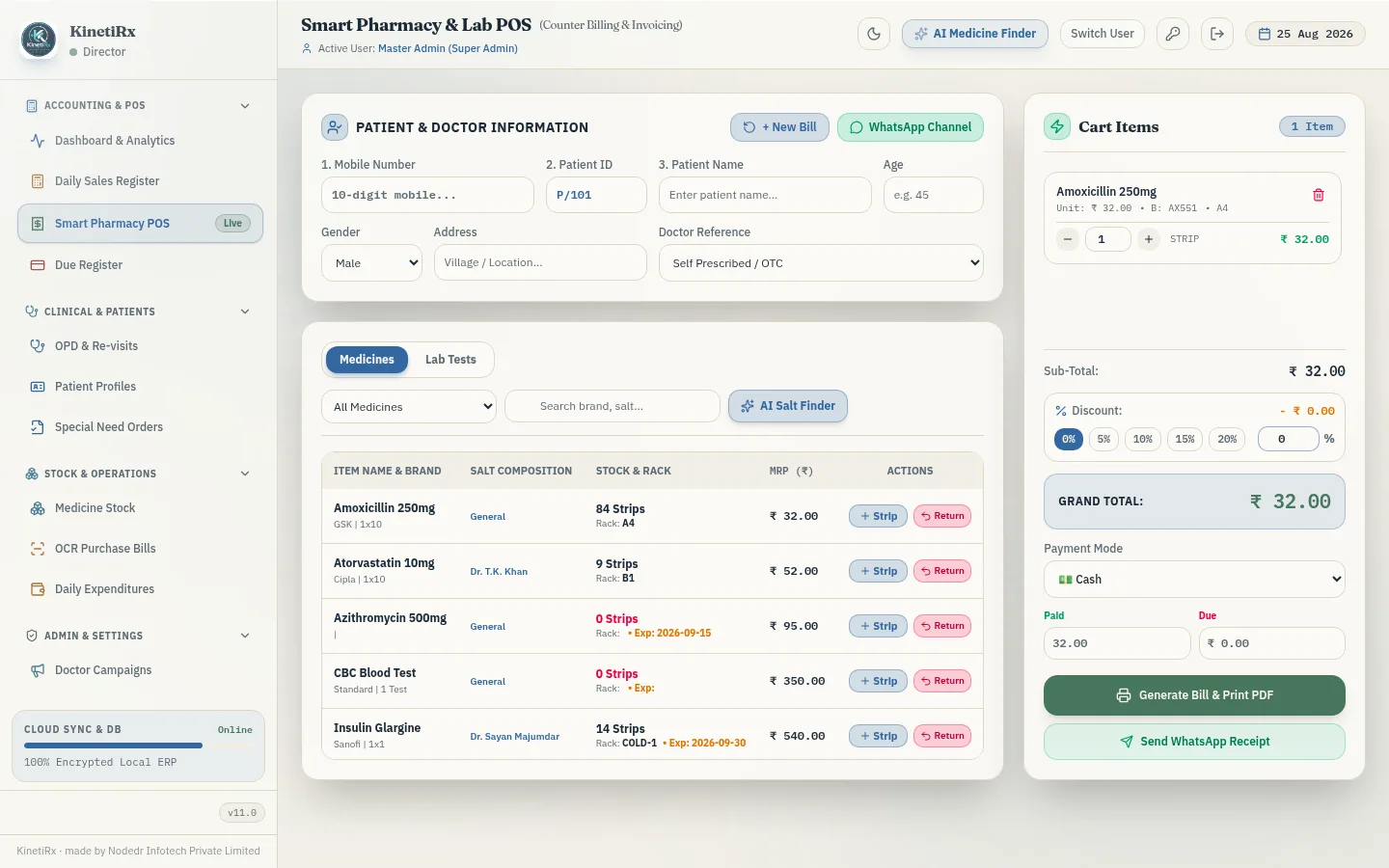
Bill at the counter
Search medicines, dispense strips or loose units and issue a GST invoice with live totals. Record cash, UPI or card payment.
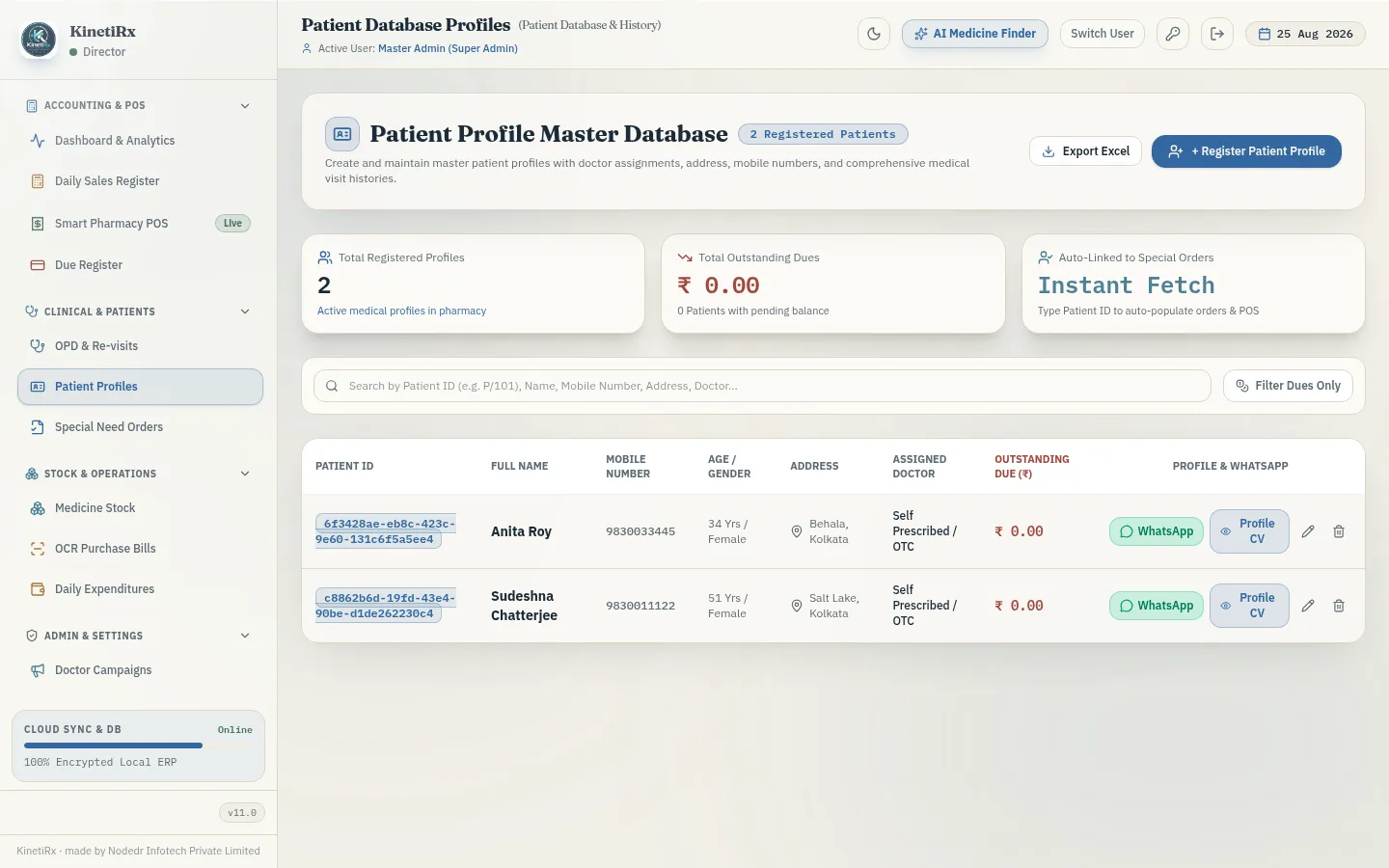
Find a patient's history
Open a patient profile to see visit history, purchases, outstanding dues and doctor assignment in one place.
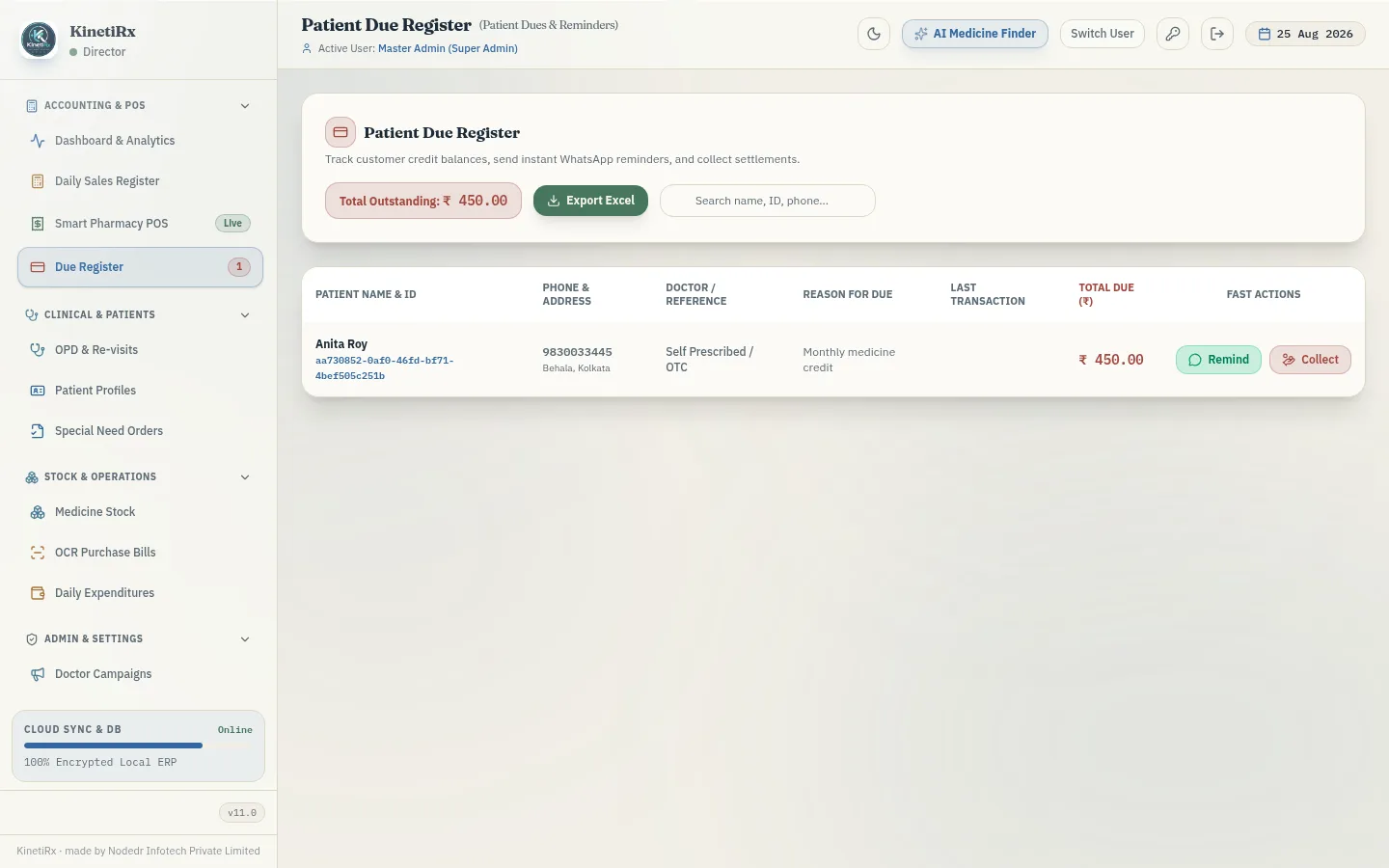
Keep due-khata auditable
Record a credit sale, view the current balance and log partial payments with a timestamped history.
Close the day
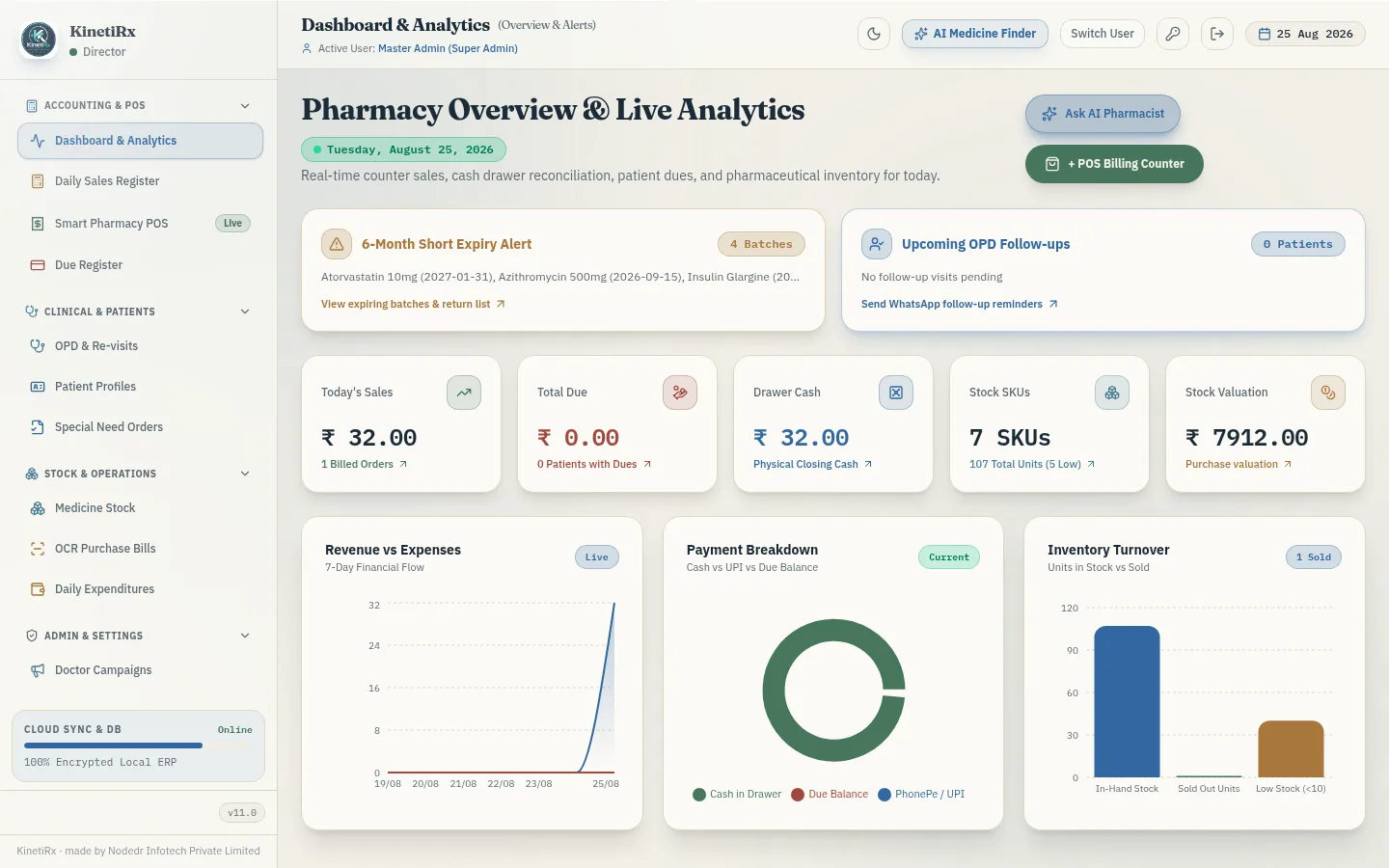
Reconcile opening cash, denominations, payment split and expenses, then check the day's numbers on the dashboard.
Back up your data
All data lives in PostgreSQL inside a Docker volume. Back it up before every upgrade.